
Remote work is now a permanent part of many jobs worldwide. Knowing how to choose the best laptop for remote work has become essential for productivity and reliability. The right device affects comfort, speed, and long-term performance.
Professionals now work from home, cafes, and shared spaces. Laptops must handle video calls, multitasking, and long hours without failure. Smart choices reduce downtime and future replacement costs.
How to Choose the Best Laptop for Remote Work
Performance should be the first priority when choosing a laptop for remote work. A modern processor ensures smooth video meetings, fast browsing, and stable multitasking. Most remote professionals benefit from current-generation mid to high-tier CPUs designed for efficiency.
Memory plays a major role in daily workflow stability. At least 16GB of RAM is now the practical baseline for remote work. This allows users to run browsers, communication tools, and work software together without slowdown.
Storage choice directly affects speed and reliability. Solid-state drives load systems faster and reduce crash risks compared to older hard drives. A minimum of 512GB SSD storage is recommended for long-term use and file management.
Battery life is critical for flexible work locations. A good remote work laptop should last at least eight to ten hours on mixed use. Longer battery life reduces dependence on power outlets and improves mobility.
Display quality impacts eye comfort during long sessions. A full HD screen is the minimum standard for clear text and sharp visuals. Many remote workers also benefit from larger screens or higher resolutions for split-screen tasks.
Keyboard and trackpad quality should never be ignored. Comfortable key travel reduces fatigue during long typing sessions. A precise trackpad improves navigation when external devices are unavailable.
Connectivity options matter more than before. Multiple USB ports, HDMI support, and fast Wi-Fi standards help maintain stable workflows. Built-in webcams and microphones must support clear communication for meetings.
Operating system choice depends on work requirements. Some roles rely on specific software ecosystems or security tools. Compatibility with employer systems should always be confirmed before purchase.
Durability and build quality affect long-term value. Remote work laptops often travel or move between locations. Solid construction reduces the risk of damage and early replacement.
Security features are now essential for remote professionals. Fingerprint readers, facial recognition, and hardware-based encryption protect sensitive data. These features support compliance with company security policies.
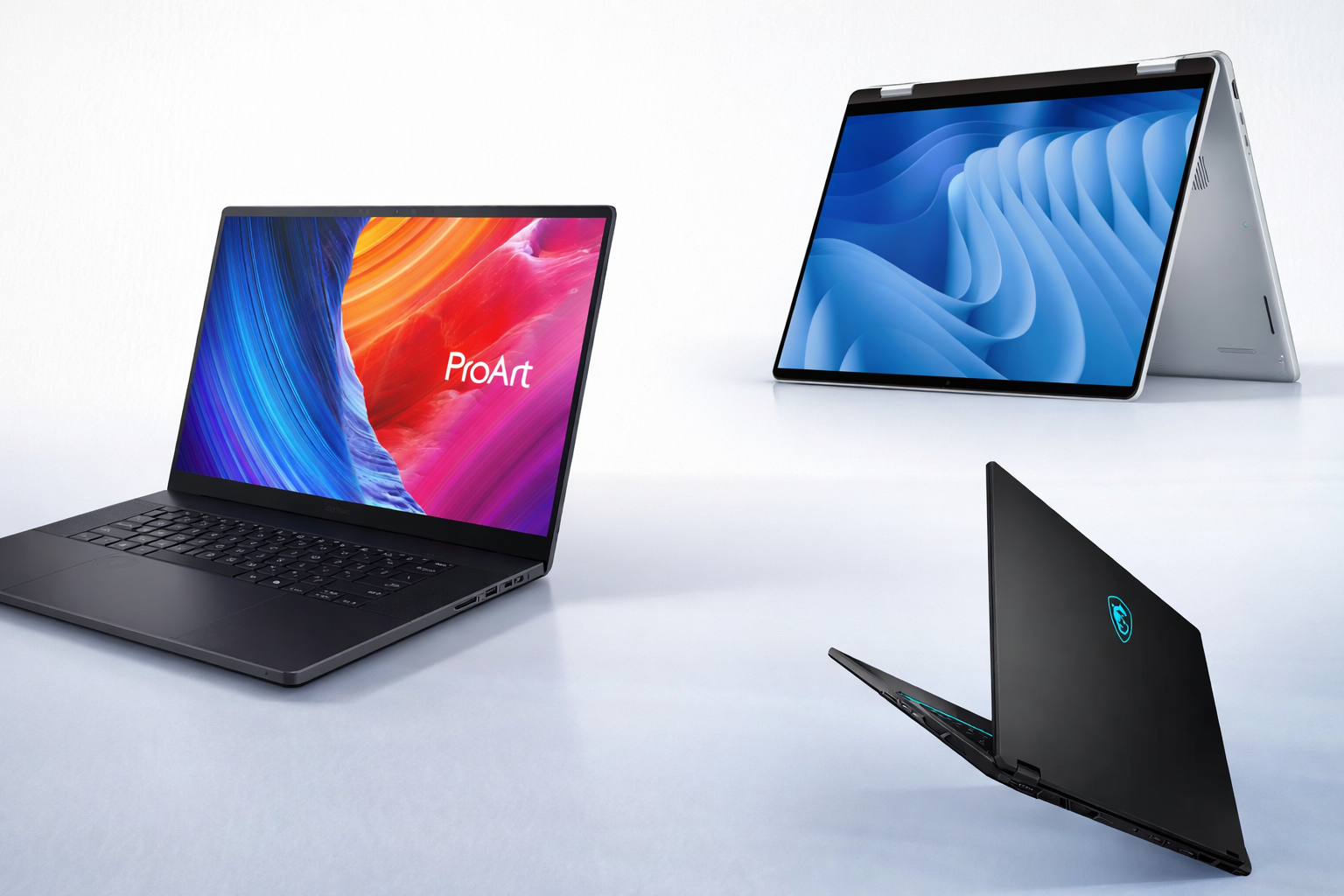
Remote Work Laptop Trends and Practical Considerations
Lightweight designs are becoming more popular among remote workers. Portable laptops reduce strain during travel and daily movement. Thin devices no longer require major performance compromises.
Thermal efficiency has improved across newer laptop models. Better cooling helps maintain performance during long video calls or heavy workloads. This also extends hardware lifespan.
Cloud-based work has changed hardware priorities. Local storage remains important, but fast internet and system responsiveness now matter more. Balanced specifications outperform extreme configurations for most users.
Remote workers increasingly use external monitors and accessories. Laptop compatibility with docks and peripherals is a practical advantage. This allows easy transitions between desk and mobile setups.
Price-to-performance balance is crucial in 2026. Overspending rarely improves real productivity for typical remote roles. Smart buyers focus on reliability, comfort, and support instead of brand prestige.
Choosing how to choose the best laptop for remote work requires clear priorities and realistic expectations. The right laptop supports daily tasks without friction or stress. A well-matched device improves efficiency and long-term satisfaction.