
How to optimize your smartphone battery life is a growing concern for users worldwide. Battery drain affects daily productivity, communication, and device longevity. This guide explains proven, practical ways to extend battery performance safely.
Modern smartphones are powerful but energy-hungry. Displays, background apps, and network connections consume power constantly. Simple habit changes and system settings can significantly improve battery life.
How to Optimize Your Smartphone Battery Life in Daily Use
Screen usage remains the biggest battery drain on most smartphones. Lowering screen brightness manually saves more power than using auto-brightness in many situations. Dark mode also reduces energy use, especially on OLED displays found in most premium devices.
Background apps silently consume battery even when not in use. Review app permissions regularly and restrict background activity for non-essential apps. Both Android and iOS provide built-in tools to identify apps with abnormal battery usage.
Push notifications trigger frequent screen wake-ups and background processing. Turning off notifications for social media, shopping apps, and games can noticeably extend battery life. Essential alerts such as calls, messages, and navigation should remain enabled.
Location services use GPS, Wi-Fi, and mobile networks together. Set location access to “While Using the App” instead of “Always.” Disable location services entirely when not needed, especially during travel or long workdays.
Network signals directly affect battery consumption. Poor signal strength forces phones to work harder to stay connected. Switching to airplane mode in low-signal areas or using Wi-Fi when available reduces unnecessary power drain.
Charging habits also influence long-term battery health. Lithium-ion batteries last longer when kept between 20 percent and 80 percent charge. Avoid frequent full discharges and overnight charging when possible.
Software updates often include battery efficiency improvements. Keeping your operating system up to date ensures access to the latest power optimization features. Security patches also prevent hidden background processes from draining power.
Built-in battery saver modes reduce background activity automatically. These modes limit animations, sync frequency, and performance when battery levels drop. Using battery saver earlier in the day can extend usage by several hours.
Widgets and live wallpapers update constantly. Removing unnecessary widgets from the home screen reduces background refresh cycles. Static wallpapers consume far less energy than animated ones.
Bluetooth, Wi-Fi scanning, and NFC remain active even when unused. Turn them off when not required. This small change adds up over a full day of usage.
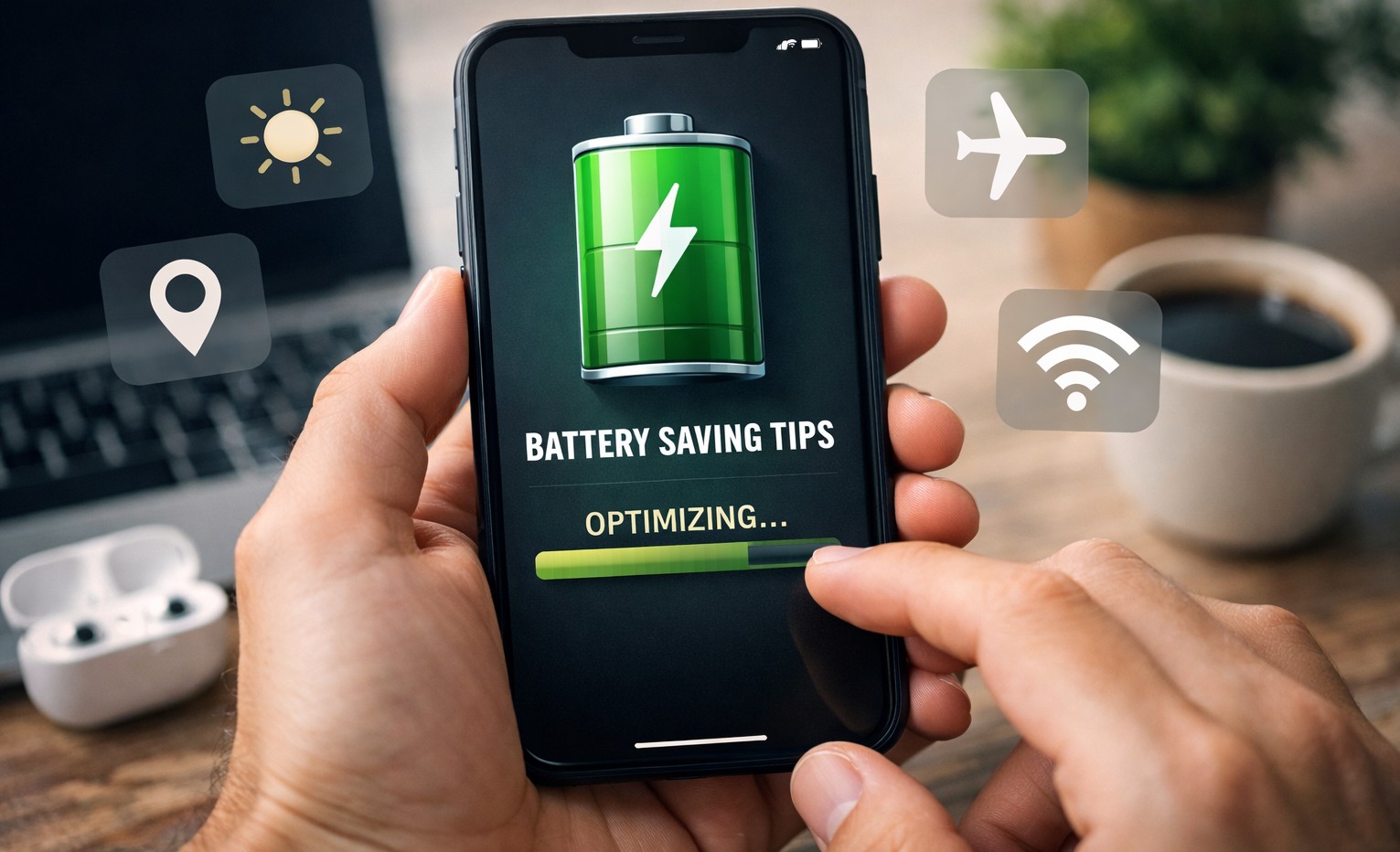
Broader Context of Smartphone Battery Performance
Battery technology has improved, but app complexity has grown faster. Streaming, gaming, and real-time tracking increase energy demands. Optimization now depends more on user behavior than hardware alone.
Manufacturers design phones to balance performance and battery life. Power-hungry features often prioritize user experience over endurance. Understanding system settings helps users regain control over battery usage.
Long-term battery health matters as much as daily endurance. Poor charging habits accelerate battery degradation. Following best practices preserves capacity over years, not just months.
How to optimize your smartphone battery life requires consistent habits, not extreme measures. Small adjustments lead to reliable all-day performance. Smart settings protect both daily usage and long-term battery health.